Best Bookkeeping Software in 2026: 10 Options Compared
Compare the best bookkeeping software for small businesses, bookkeepers, and accountants, with features, pricing, and selection criteria for 2026.
You're trying to close the month, but the bank feed has gaps, your accountant needs access, and the software you chose for its low subscription price now needs an upgrade. The question isn't which product has the longest feature list. It's which one lets the right person finish the books without unnecessary work.
Most bookkeeping decisions start with the monthly price and reveal the full cost later. A business that chooses an entry-level plan may discover that bank imports, another user, or payroll requires more spending. We need to compare the working setup, not just the advertised starting point.
The best bookkeeping software depends on who does the bookkeeping. An owner sending invoices needs something different from an outside bookkeeper managing month-end, a finance team consolidating companies, or staff who prefer a desktop company file.
- Outside-bookkeeper workflows: Start with QuickBooks Online and Xero.
- Owner-operated bookkeeping: Compare Zoho Books, Wave, FreshBooks, and Patriot Accounting.
- More involved accounting and multiple companies: Examine Sage 50 and Odoo.
- Desktop-first work: Consider Manager.io and AccountEdge.
These are workflow groups, not rigid boundaries. We compare the platforms by the work they support, the limits that matter after signup, and the extras that change the bill. Prices below are reference points rather than checkout guarantees, so confirm the applicable country, billing interval, and included features before subscribing.
Table of Contents
- 1. QuickBooks Online
- 2. Xero
- 3. Zoho Books
- 4. Wave
- 5. FreshBooks
- 6. Patriot Accounting
- 7. Sage 50
- 8. Odoo Accounting
- 9. Manager.io
- 10. AccountEdge
- How the Ten Bookkeeping Platforms Compare on Price, Free Options, and Best Fit
- Matching the Platform to Your Workflow and Checking Every Converted Figure
1. QuickBooks Online
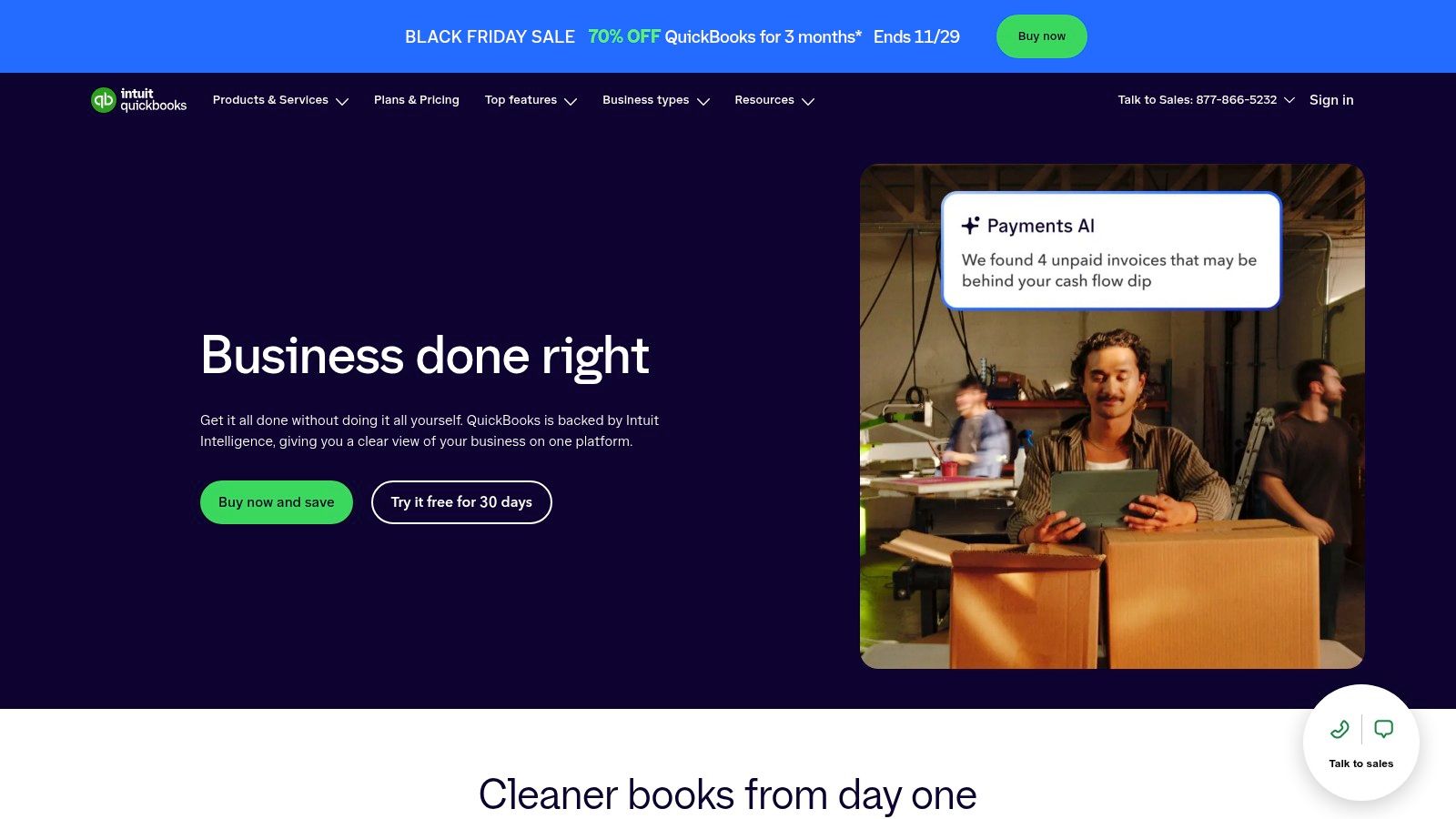
Best for businesses working with an outside bookkeeper or tax professional. QuickBooks Online combines bank feeds, categorization, reconciliation, invoicing, expense tracking, and financial reporting. Eligible plans add bill management, inventory, and project profitability.
Its strongest practical advantage is familiarity among accounting professionals. An Accounting Near You analysis found QuickBooks mentioned by 81.6% of publicly profiled U.S. accounting firms that named an accounting platform. That measures visible platform mentions, not customer market share, but it helps explain why finding compatible bookkeeping support can be straightforward.
What changes the real price
QuickBooks Online lists a limited-feature free tier and regular paid plans ranging from $38 to $340 per month. Don't assume the lowest paid plan includes every workflow your bookkeeper needs.
- User allowances: Match access limits to the owner, internal staff, and adviser.
- Feature upgrades: Inventory and project profitability can require a higher tier.
- Additional services: Price payroll separately from the accounting subscription.
We'd shortlist QuickBooks when adviser compatibility matters more than minimizing subscription costs. We'd be more cautious when a simple business would need an expensive tier for a narrow requirement.
For historical statements or missing feed periods, prepare the file before importing it. Our guide to converting PDF statements to CSV for QuickBooks explains the preparation workflow. An imported transaction still needs review, categorization, and reconciliation.
2. Xero

When an owner, office manager, and outside bookkeeper all need access, Xero's shared-access model deserves attention. Its U.S. plan information lists access without per-user license fees, which makes collaboration easier to budget than a seat-based arrangement.
Core workflows include bank reconciliation, invoicing, and transaction review. Higher plans add multi-currency, project tracking, and expanded forecasting. Practice tools and its accountant partner program also make it relevant to firms managing client bookkeeping.
Check transaction limits before choosing Early
Xero's U.S. plans list regular monthly prices of $27 for Early, $59 for Growing, and $97 for Established, with a U.S. subscription-price increase dated October 1, 2026. Match the price to its effective date rather than relying on an older comparison.
The Early plan's invoice and bill limits matter more than its name. A small consultancy may fit comfortably, while a business issuing frequent invoices could need Growing despite having a small team.
Choose the plan around the transactions you process, not the number of people on your payroll.
Optional payroll adds another cost. Multi-currency and project requirements can also move the business beyond the entry plan, even when basic reconciliation is straightforward.
We'd compare Xero closely with QuickBooks when an outside adviser does the books. Before moving historical bank activity, review the statement-import workflow for QuickBooks Online and Xero, then test the destination's current import requirements.
3. Zoho Books
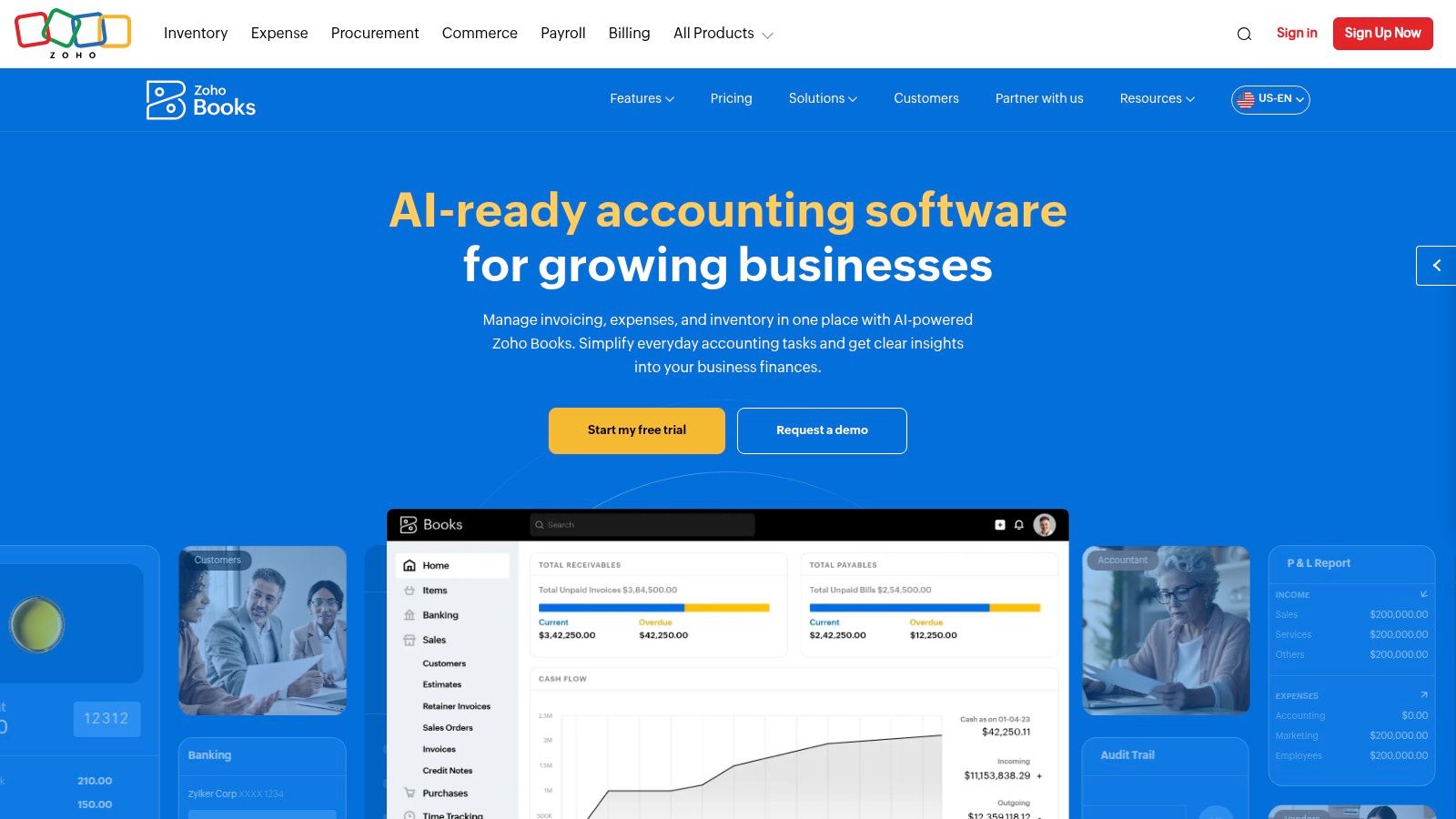
Zoho Books suits an owner who wants to keep control of routine bookkeeping, especially when the business already uses other Zoho products. It combines invoicing, expense tracking, bank reconciliation, financial reports, and accountant collaboration.
The free plan is more useful than an invoicing-only tool, but eligibility and transaction allowances still need attention. Zoho Books' U.S. offering includes a free plan for eligible businesses below $50,000 in annual revenue, with paid tiers starting at $20 per month, or $15 per month when billed annually.
Separate reconciliation from bank feeds
A plan can support bank reconciliation without including automatic bank feeds. That distinction matters if the owner expects transactions to arrive without uploading files.
- Free-plan fit: Check revenue eligibility and transaction limits against actual activity.
- Paid-plan fit: Confirm bank feeds, sales-tax tools, purchase orders, inventory, and projects individually.
- Review workflow: Reports can be exported to CSV, XLS, and XLSX for spreadsheet-based checks.
We'd consider Zoho Books when the owner is comfortable configuring a workflow rather than expecting the first login to finish the setup. Connections with other Zoho products can be convenient, but they don't remove the need to establish account mappings and responsibilities.
The main trade-off is configuration effort versus breadth. Choose the tier that handles the required bookkeeping, then add surrounding business applications only when they eliminate a specific task.
4. Wave
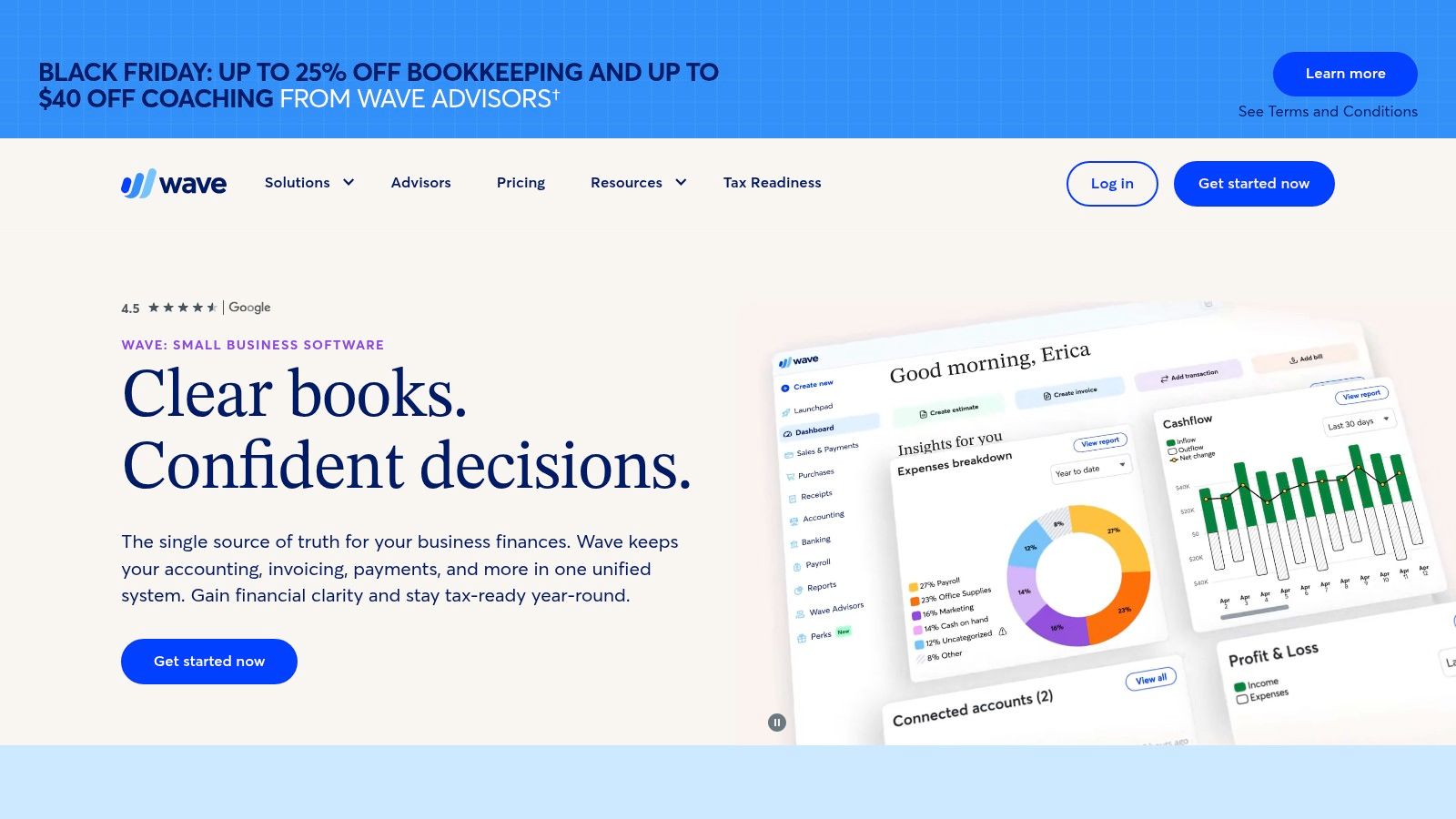
A freelancer sending invoices and recording straightforward expenses doesn't necessarily need a broad accounting suite. Wave is a sensible shortlist option for simple owner-operated bookkeeping, provided inventory isn't central to the business.
Wave offers Starter and Pro options for bookkeeping and invoicing, alongside reports such as profit and loss and balance sheet. Wave's U.S. Pro plan is listed at $19 per month or $190 per year, including supported automatic bank imports and transaction categorization.
The free plan isn't the automated plan
Starter and Pro shouldn't be treated as interchangeable. Bank imports, automatic transaction merging, and categorization belong to Pro rather than the free Starter offering.
That difference can settle the decision quickly. If we want to avoid uploading bank transactions manually, we should budget for the paid workflow from the beginning.
- Good fit: Freelancers and small service operations with uncomplicated records.
- Poor fit: Businesses that need software to calculate and track inventory unit value.
- Extra costs: Payroll, payment processing, and optional services sit beyond the core bookkeeping comparison.
We wouldn't select Wave merely because a free option exists. We'd select it when its narrower scope matches the business and keeps the owner from paying for unused complexity.
Before committing, run through an ordinary month: issue an invoice, record an expense, review imported activity, and inspect the reports. A manageable daily workflow matters more than a polished first impression.
5. FreshBooks
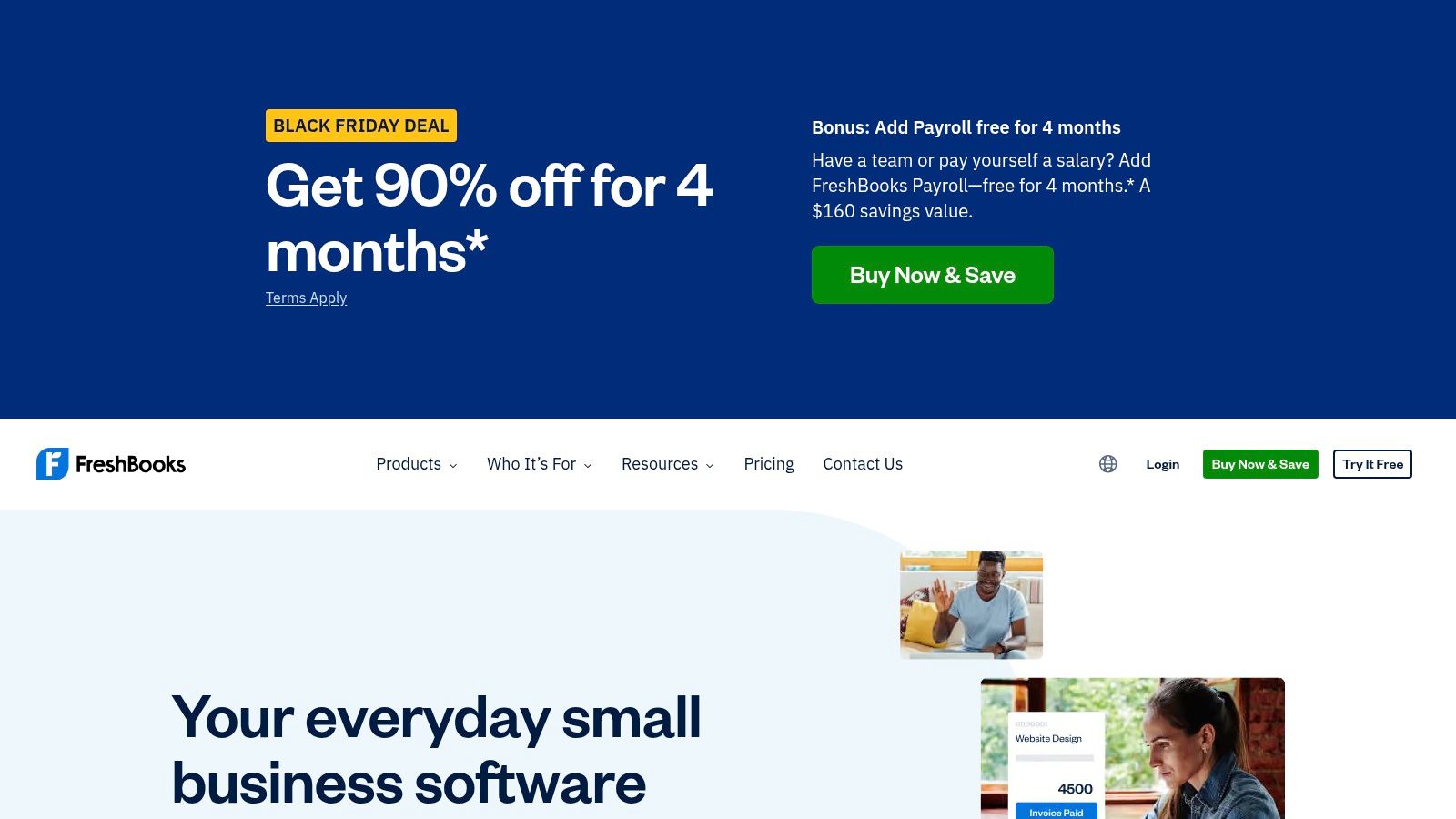
For a consultant or agency, bookkeeping starts before the bank transaction. Staff record time, prepare estimates, bill retainers, and recover project expenses. FreshBooks is strongest when those service-business tasks shape the workflow.
FreshBooks lists regular U.S. prices of $23 per month for Lite, $43 for Plus, and $70 for Premium, alongside a 30-day trial. Accounting reports, receipt scanning, and bank reconciliation depend on the selected plan.
Budget around clients and collaborators
Lite's low headline price needs context. Its invoicing allowance covers only a small number of clients, and moving up the tiers widens that allowance. Check the current client limits on FreshBooks' pricing page before choosing a plan.
We should therefore price FreshBooks around the active billing workload, not just the size of the company. A solo professional with many customers can outgrow the entry tier faster than a larger business serving a short client list.
Practical rule: Don't buy a billing plan and assume it includes the reconciliation workflow your bookkeeper expects.
Team-member access and optional payroll can increase the total. Payment capabilities may introduce separate charges as well, so keep subscription spending distinct from transaction fees when comparing tiers.
FreshBooks deserves consideration when connecting time, expenses, projects, and invoices is the main operational problem. It is less compelling when the priority is maintaining a general ledger at the lowest cost. Test the month-end accounting tasks alongside the client-facing features before deciding.
6. Patriot Accounting
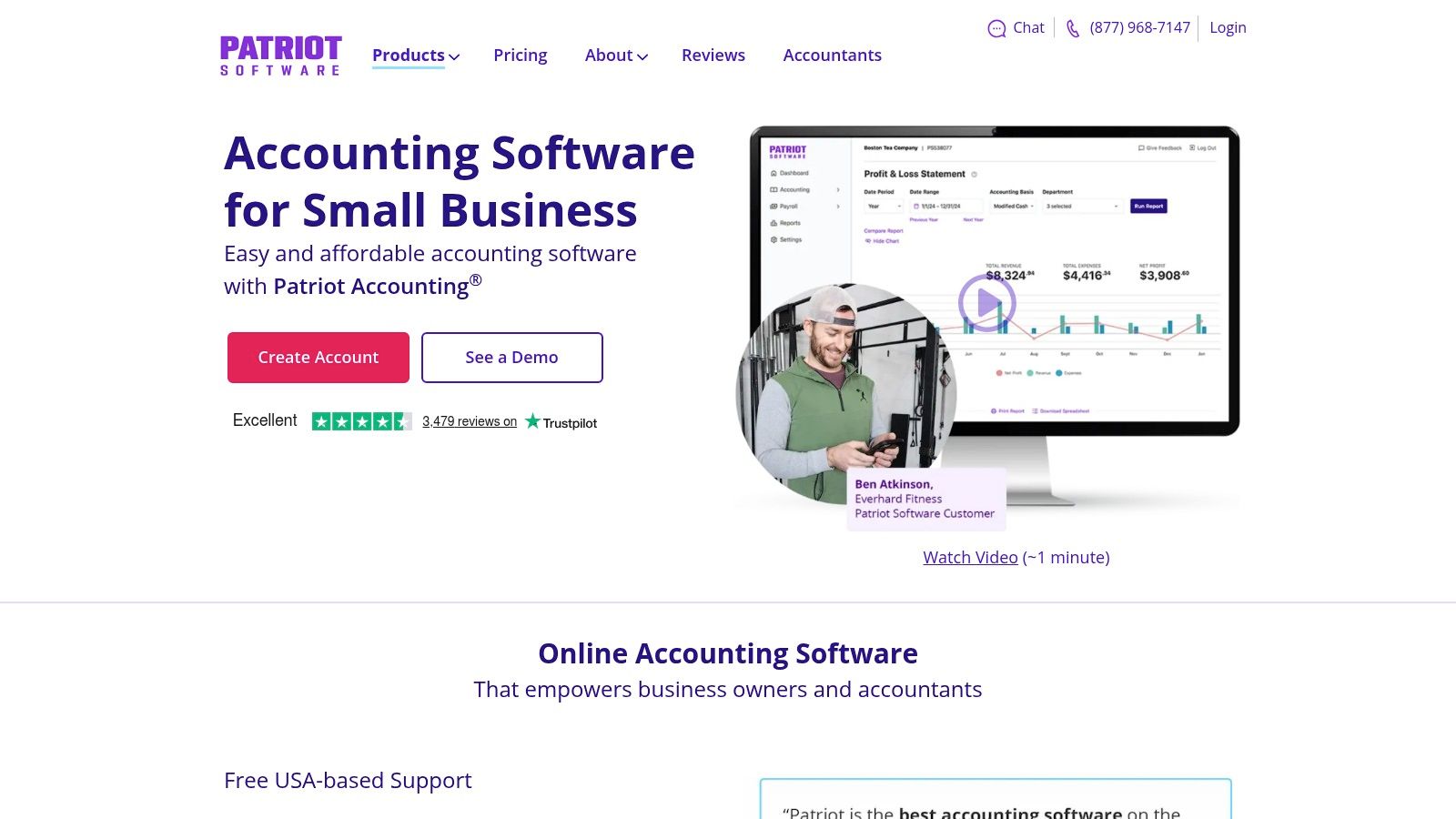
Patriot Accounting is worth considering for a U.S. small business that wants straightforward accounting and a payroll option from the same vendor. It includes bank imports, income and expense tracking, reconciliation, and financial reporting.
Patriot's accounting plans list regular prices of $20 per month for Basic and $30 for Premium, without a per-user fee. Accounting plans include unlimited customers, vendors, and invoices, making transaction relationships less likely to dictate the upgrade.
Where Premium and services add cost
Premium adds estimates, recurring invoices, permissions, and receipt management. Those aren't interchangeable conveniences: a business with staff entering records may care more about permissions than recurring billing.
- Accounting subscription: Choose Basic or Premium around the required controls and workflow.
- Payroll: Treat the connected payroll product as a separate purchase.
- Managed help: Patriot's bookkeeping service is separate from self-service accounting.
- Other charges: Some payment and tax-form services may incur additional fees.
We'd put Patriot on the owner-operated shortlist when the business needs conventional bookkeeping rather than extensive inventory or multi-company reporting. Eligible accounting and bookkeeping firms can also examine partner pricing.
The limitation is scope, not the absence of a higher-priced tier. If the business needs complex reporting, detailed inventory, or multi-entity management, establish those requirements before building the workflow here. Moving payroll and accounting under the same vendor doesn't automatically make every operational need part of the accounting plan.
7. Sage 50
Sage 50 suits businesses where inventory, purchasing, and job costing outweigh the convenience of a lightweight browser-based app. It combines desktop accounting with cloud-connected access options, so confirm how staff will work in the product before comparing it with cloud-first platforms.
Sage 50's listed subscriptions range from $128.67 to $271.17 per month and require a minimum one-year commitment. Review the full workflow before buying, since the subscription commitment makes a mismatch costly.
More accounting depth, more setup responsibility
Sage 50 includes bank reconciliation, bill tracking, purchase orders, and financial reporting. Its inventory and job-management features can suit construction, manufacturing, and distribution businesses, but they also require more setup than basic bookkeeping.
Higher tiers add multi-company features, advanced budgeting, audit trails, and role-based permissions. Premium and Quantum include options for multiple users and companies.
- Main advantage: Greater inventory and job-costing depth than lightweight bookkeeping products.
- Main trade-off: Higher subscription spending and more configuration.
- Access decision: Confirm the desktop and cloud-connected setup staff will use.
Evaluate purchasing from order to payment, then follow job costs through to reporting. These workflows show whether Sage 50's added depth fits the business.
Older cloud-based Sage products may no longer match what Sage currently sells. Confirm the current product name, deployment model, and access options on Sage's site before comparing.
8. Odoo Accounting
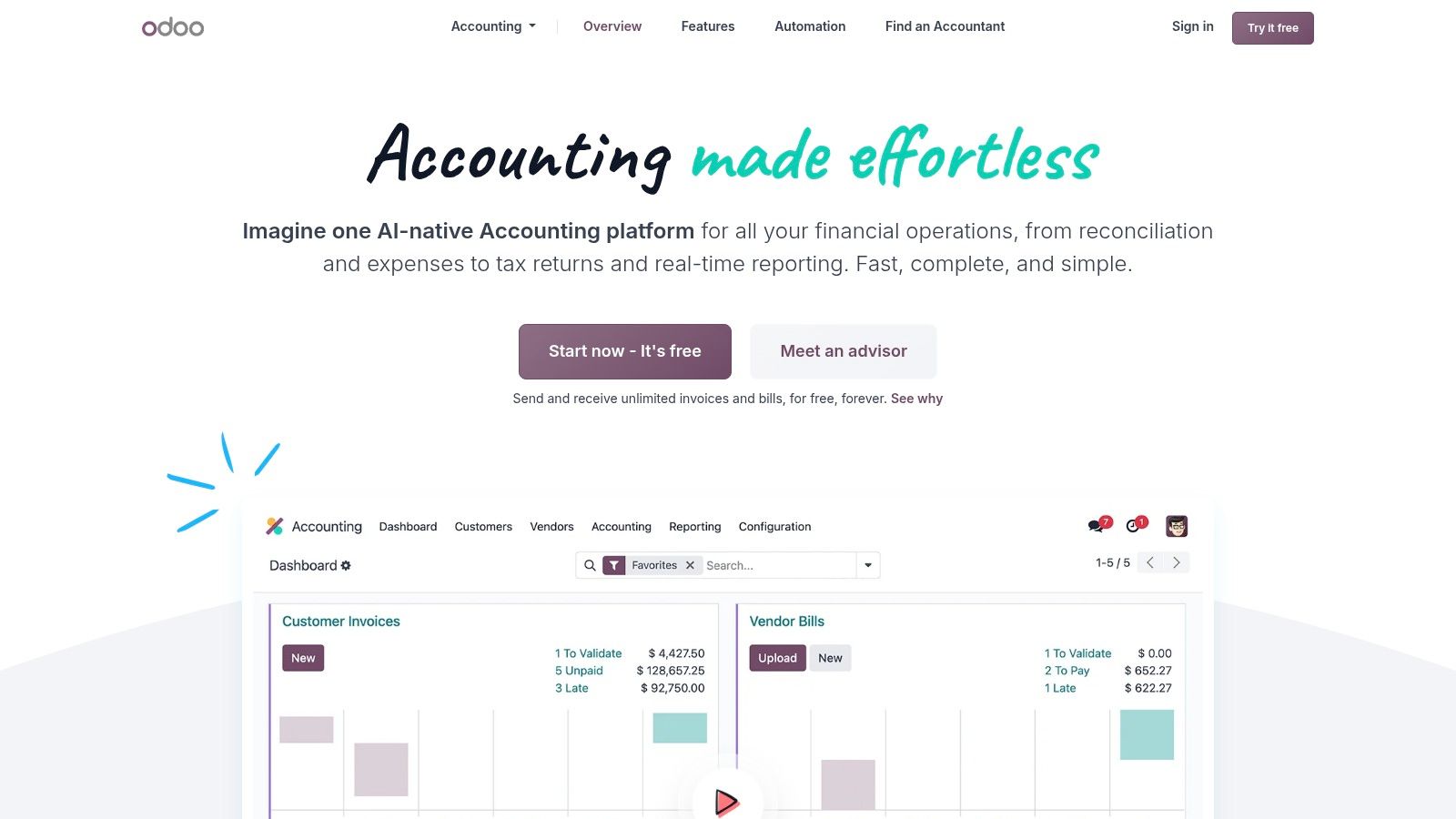
A finance team that repeatedly transfers information between sales, inventory, and accounting should evaluate Odoo as a business-suite decision, not merely another ledger. Its accounting application includes invoicing, statement imports, bank synchronization, and reconciliation suggestions.
Odoo Accounting offers a One App Free option with unlimited users, while paid plans start at $24.90 per user per month when billed annually. Broader suite access, the chosen plan, and user count change the economics.
Multi-company capability needs a design
Odoo supports multi-company and multi-currency workflows within the broader product, including consolidated reporting. Connections to inventory, sales, and CRM can reduce handoffs, but the team must configure how those activities affect accounting.
We should establish company boundaries, account mappings, permissions, and reporting requirements before importing opening data. Implementation is part of the purchase decision, even when the subscription looks inexpensive.
- Suite benefit: Related business activities can operate within the Odoo environment.
- Configuration burden: More connected workflows mean more decisions to test.
- Deployment extras: Options such as Odoo.sh can carry additional costs.
For a multi-entity operation, confirm which plan and deployment support the intended structure. Don't assume the free application offering includes every broader-suite requirement.
Our guide to bank reconciliation software can help frame the review process around matching and exceptions. Reconciliation suggestions are useful, but a staff member still needs to resolve unmatched transactions and verify the source evidence.
9. Manager.io
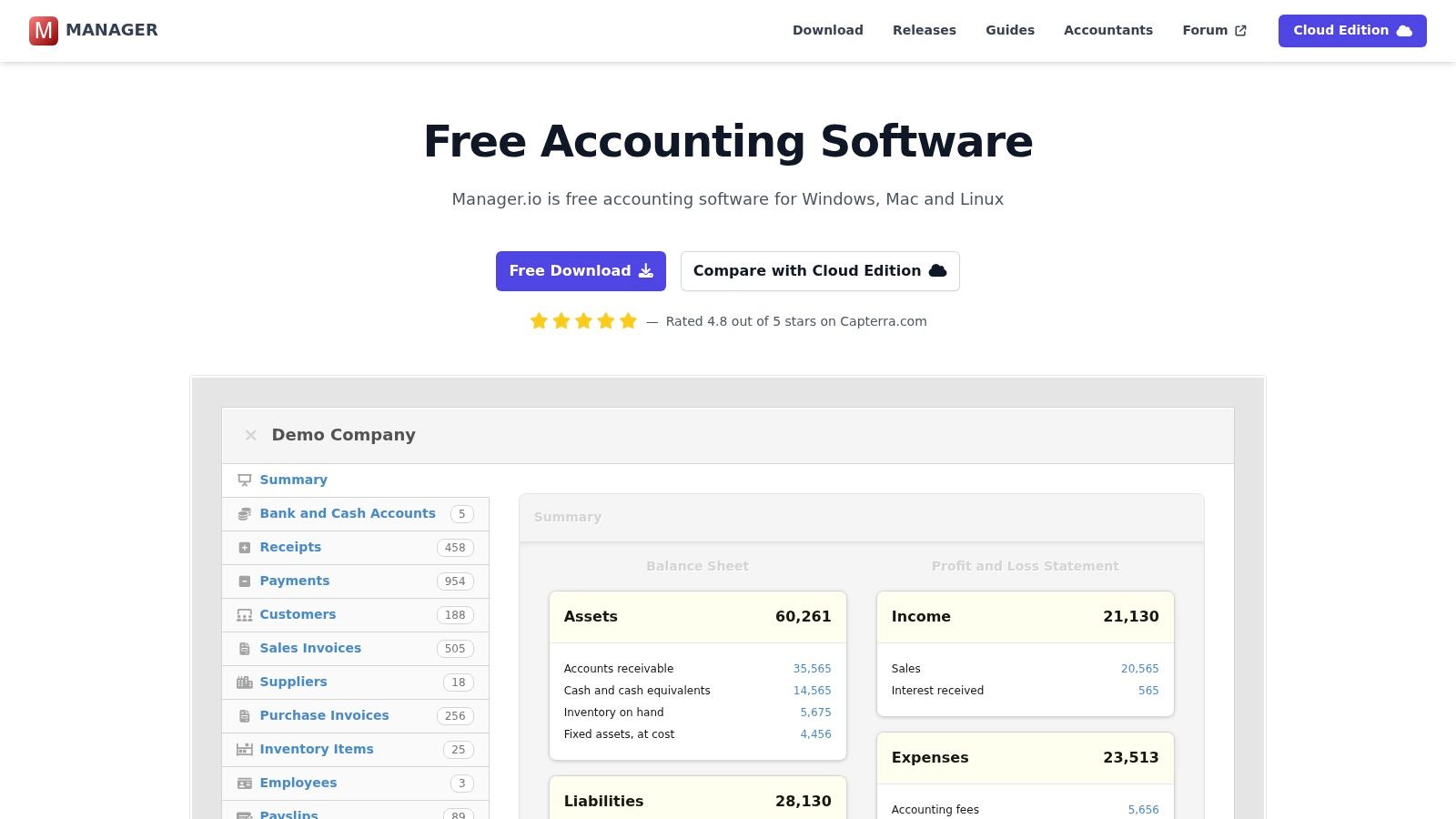
Manager.io is the desktop-first option for someone who wants local accounting without an ongoing desktop subscription. Its free Desktop Edition runs on Windows, macOS, and Linux and works offline.
Manager.io's Desktop Edition has no data-entry or time limit, but it doesn't support simultaneous multi-user access. Cloud and Server editions provide different access arrangements, so collaboration is a separate deployment decision.
Free software still needs an operating procedure
The desktop offering can make sense when a designated person maintains the books and controls the company file. Modules can be enabled to suit the business rather than exposing every available function at once.
The cost moves from licensing to administration. Staff need a reliable backup process, clear file ownership, and an agreed way to provide records to an external accountant.
A company file on a laptop isn't a backup strategy. Keep a separate recoverable copy and test that it opens.
Cross-platform support is useful when transferring files between supported operating systems. It doesn't solve version control when people pass competing copies around.
We'd choose Manager.io for a disciplined local workflow, not as a workaround for a team that really needs shared live access. If collaborators need to enter transactions simultaneously, evaluate the appropriate hosted or server arrangement instead of improvising file sharing. The free desktop price is attractive only when its access model fits the people doing the work.
10. AccountEdge
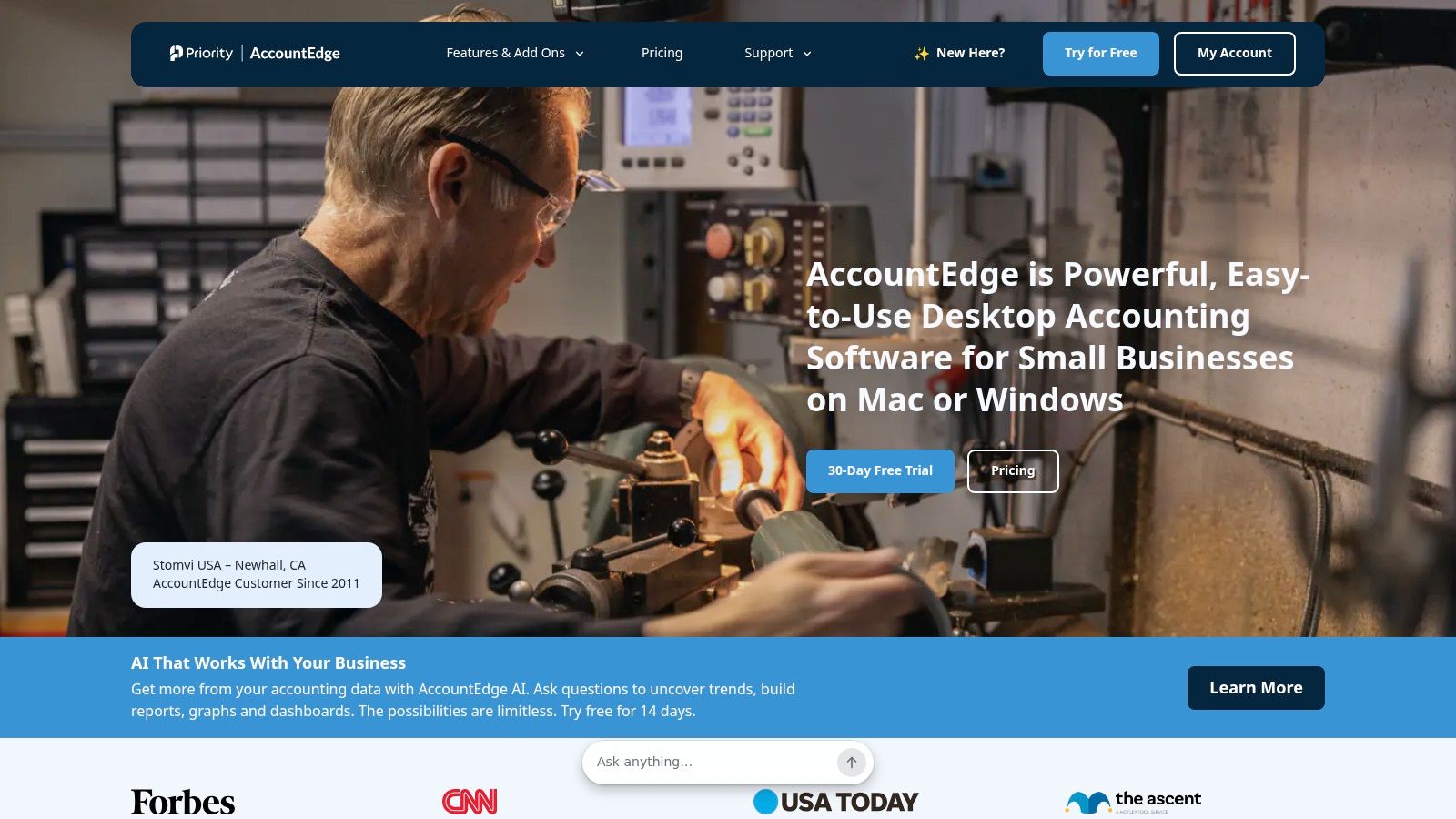
Some teams want desktop accounting but need more collaboration options than passing a company file between computers. AccountEdge offers desktop, network, hosted, and companion arrangements, making deployment the first decision rather than an afterthought.
AccountEdge lists Pro at $20 per month for one user and Network Edition at $30 per month. Bank feeds, payroll, additional workstations, and phone support can increase the price.
Choose the access model before comparing totals
The core product covers general ledger, invoicing, expenses, bank reconciliation, reporting, budgeting, and inventory. Network Edition supports simultaneous company-file access, while AccountEdge Connect provides browser-based transaction and time entry that syncs with desktop.
Those options serve different needs. Browser-based entry through a companion tool isn't the same operating model as every staff member using a fully browser-based accounting system.
- Desktop fit: Appropriate when the team wants installed software and broad small-business accounting functions.
- Collaboration fit: Select network, hosted, or companion access around specific staff tasks.
- Cost exposure: Include feeds, payroll, workstations, and support in the comparison.
The vendor says subscriptions can be cancelled with read-only data access afterward. Even so, we should plan how to export reports and preserve supporting documents before changing systems.
AccountEdge is worth shortlisting when desktop functionality is a deliberate preference. It's less suitable when the team wants a simple cloud subscription without making separate decisions about installation, shared access, hosting, and companion services.
How the Ten Bookkeeping Platforms Compare on Price, Free Options, and Best Fit
Price only means something next to who keeps the books. A solo owner can live inside invoicing and bank review, an outside bookkeeper needs predictable access, a multi-entity firm needs tighter controls, and a desktop-first team accepts backups and shared files as part of the operating cost.
| Item | Starting Price (U.S., Regular) | Free Option | Best Fit |
|---|---|---|---|
| QuickBooks Online | $38/month | Limited-feature free plan | Small businesses working with U.S. accountants or bookkeepers |
| Xero | $27/month | No permanent free plan | Small businesses collaborating with accounting advisers |
| Zoho Books | $20/month ($15/month billed annually) | Free plan for eligible businesses under $50,000 annual revenue | Eligible small businesses, especially those using other Zoho products |
| Wave | $19/month for Pro | Starter plan | Freelancers and small businesses with straightforward bookkeeping needs |
| FreshBooks | $23/month | 30-day trial | Freelancers and service businesses managing projects, time, and billing |
| Patriot Accounting | $20/month | No permanent free plan | U.S. small businesses seeking straightforward accounting with optional payroll |
| Sage 50 | $128.67/month | No permanent free plan | Businesses needing detailed inventory or job-costing tools |
| Odoo Accounting | $24.90/user/month, billed annually | One App Free option | Businesses connecting accounting with other Odoo business applications |
| Manager.io | Free desktop edition | Free desktop edition | People who prefer offline accounting and can manage their own backups |
| AccountEdge | $20/month | No permanent free plan | Small businesses wanting desktop accounting with inventory features |
Read the starting price as the floor. Ongoing free options are different from trials, and a low entry plan can stop fitting once users, entities, inventory, payroll, or desktop access enter the setup.
Matching the Platform to Your Workflow and Checking Every Converted Figure
Start with the people and the work. A solo owner may prioritize invoicing and manageable transaction review, while an outside bookkeeper needs dependable access and a familiar month-end process. A multi-entity firm needs company-level controls and reporting, and a desktop-preferring team needs explicit ownership of backups and shared files.
Compare the total monthly cost after bank feeds, extra users, payroll, and required upgrades. Include implementation, training, and migration effort in the decision, even when those costs don't appear on the subscription invoice. We should test an ordinary month before committing, including refunds, transfers, outstanding invoices, and the reports the accountant uses.
Check the statement before reconciling
Whatever platform we choose, converted statement data needs verification before import or reconciliation. The IRS guidance on scanning financial records recognizes electronic copies and recommends maintaining duplicate records in a separate safe location. For converted data, we should compare transaction dates, descriptions, credits, debits, and balances against the original pages.
Use this control for each statement period:
Opening balance + credits − debits = closing balance.
A matching total is necessary, but it doesn't prove that every row is correct. Offsetting errors can still leave the balance unchanged, so inspect descriptions, dates, signs, and possible duplicates as well.
- Confirm scope: Match the account identity, statement period, and currency.
- Inspect rows: Check page boundaries, wrapped descriptions, missing transactions, and duplicated entries.
- Prepare the import: Follow the destination's date format and debit, credit, or signed-amount convention.
- Prevent overlap: Check whether imported rows duplicate transactions already received through a bank feed.
Where a statement arrives only as a PDF, autobankstatement converts digital, scanned, and password-protected statements into CSV or Excel/XLSX for review. Bulk upload supports files up to 25 MB each, and the free guest preview lets users inspect the table before paying. This is file preparation, not a replacement ledger or a direct accounting-software integration.
Keep the evidence after conversion
The IRS Publication 583 recordkeeping guidance says electronic storage must preserve records that are complete, accurate, legible, retrievable, and reproducible. Keep the original statement alongside the reviewed export and reconciliation evidence in the business's own archive.
Registered users receive 24-hour download access, and uploads automatically delete within 24 hours. Download the necessary files promptly rather than treating temporary conversion storage as record retention.
autobankstatement converts PDF bank statements, including scanned and password-protected files, into CSV or Excel/XLSX for bookkeeping review. Visit autobankstatement to try the free guest preview, then verify the extracted transactions and balances before importing them into your chosen platform.
Convert your next statement in minutes
Upload a bank statement PDF — digital, scanned, or password-protected — preview the extracted table, and download clean CSV or Excel.