Maximum Data Entry Throughput Without the Manual Typing
Reach maximum data entry throughput without manual typing. Automate bank statement conversion, validate results, and cut reconciliation hours.
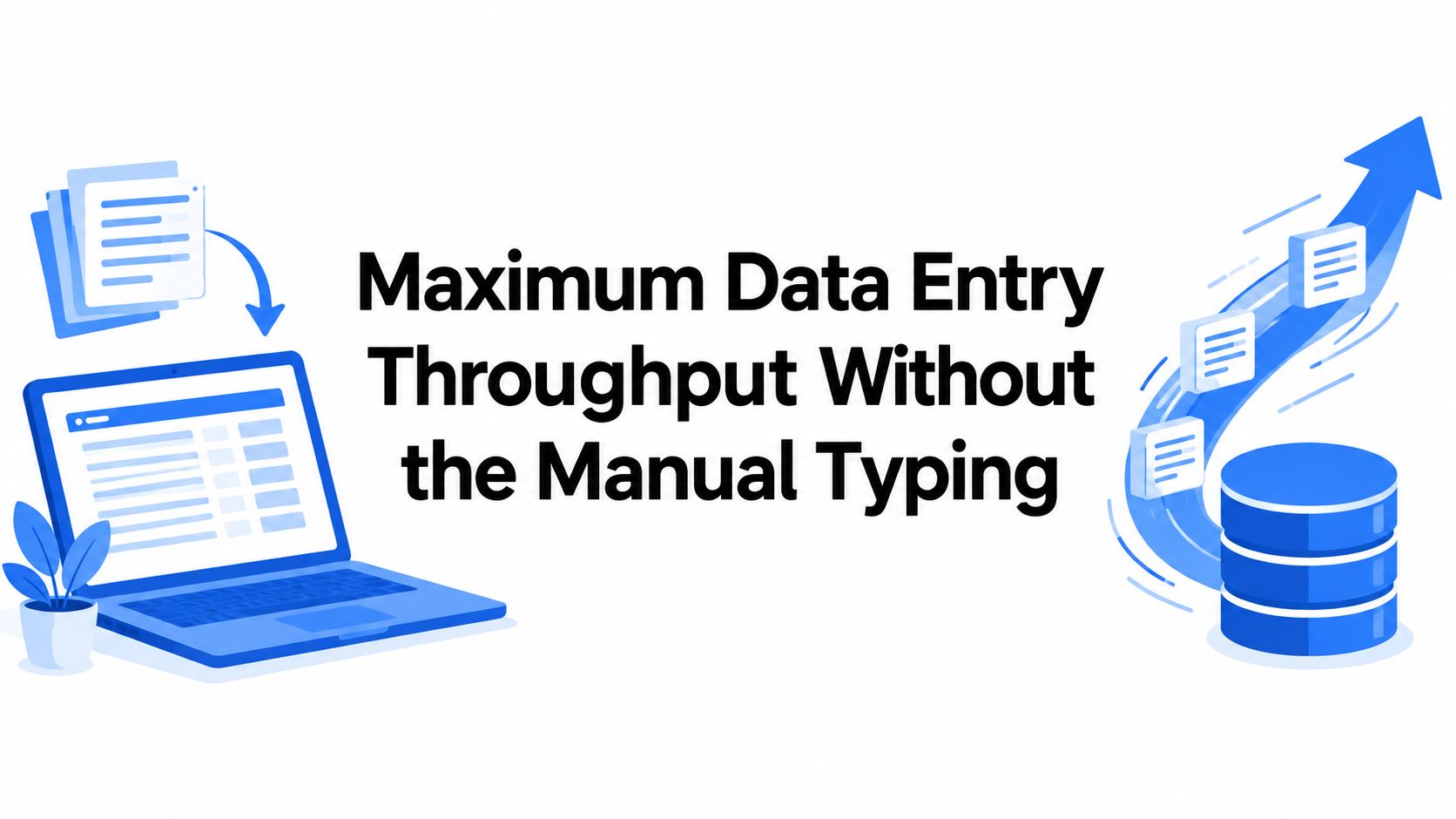
The popular advice is backwards. We're told to type faster, hire faster typists, or push more statements through a tool, as if maximum data entry were a race. Speed isn't the ceiling at month-end. Error is. A ledger filled quickly with the wrong amount, the wrong date, or a duplicated row doesn't close faster. It creates a second job, hunting the mistake while the deadline stays fixed.
Table of Contents
- Why Maximum Data Entry Is Really an Error Problem
- Measure Your True Throughput Ceiling
- Automate Bank Statement Intake End to End
- Validate Every Converted File Before You Trust It
- Keep Records for Years and Uploads for Hours
- Your Next Month-End Close Without the Typing
Why Maximum Data Entry Is Really an Error Problem
We know the scene. It's month-end, a client has sent PDF statements late, and a bookkeeper is typing transactions line by line into a spreadsheet while checking balances in another window. The work feels urgent, so the natural question is how to get through more rows per hour. That question hides the main constraint. We can only post data we can trust, and trust runs out long before typing speed does.
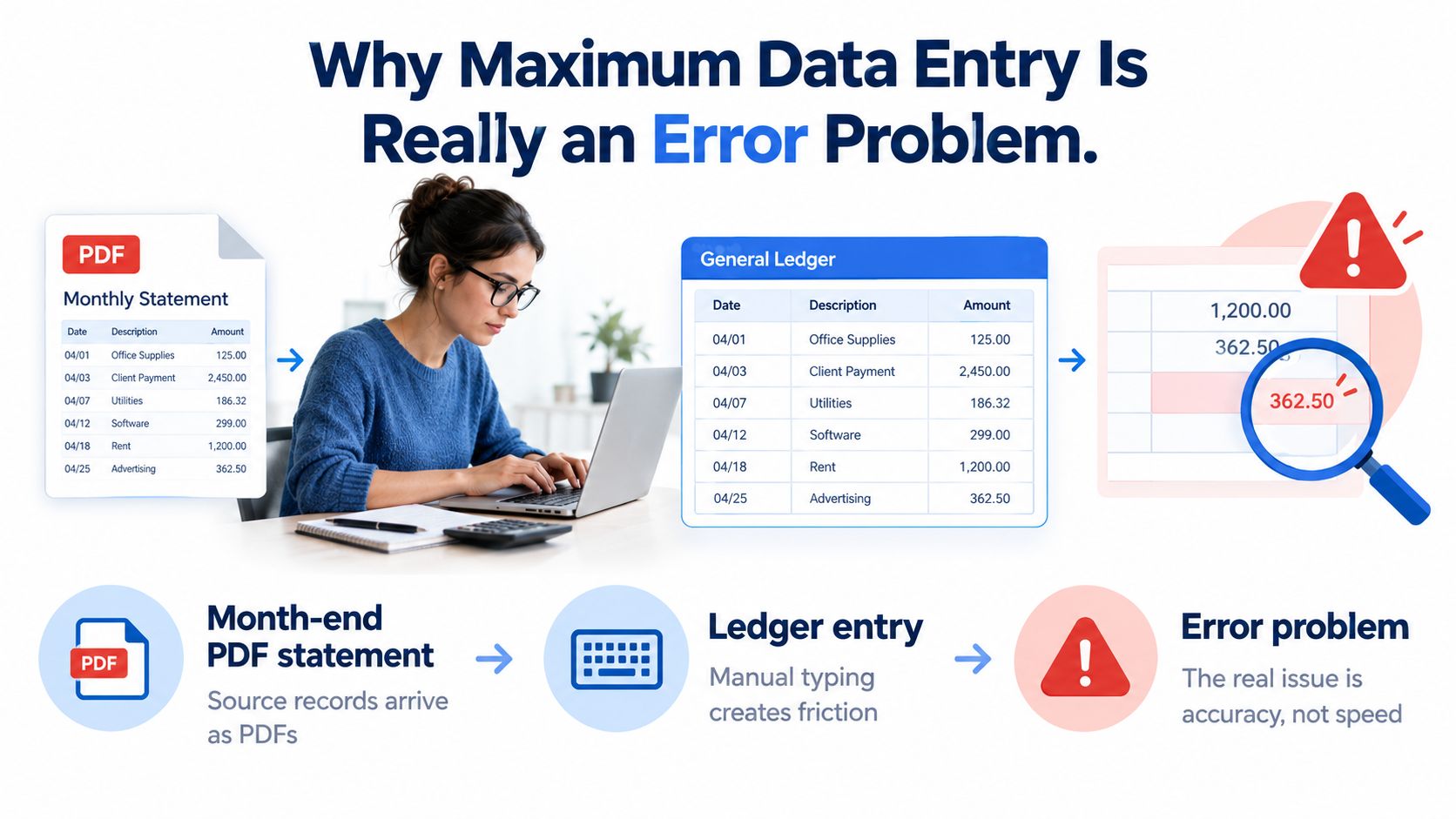
Manual entry has an error floor that effort alone doesn't remove. One controlled study placed single-entry human error near 0.95% of fields, while a large keystroke study found approximately 1.17% character errors, and the same evidence base shows double entry reduced errors to about 0.03% but doubled the work, as summarized in published data-entry error statistics. Those figures sound small until we translate them into ledger terms. Small percentages applied to thousands of fields become a queue of investigations.
What a Small Percentage Costs a Finance Team
Consider the arithmetic without exaggerating it. A 1% error rate across 10,000 transaction fields could mean roughly 100 fields requiring investigation, and those fields aren't equal in consequence. A typo in a payee description may be annoying and easy to spot. One wrong amount can break a reconciliation, one wrong date can push a transaction into the wrong period, and one wrong balance can make every following check look suspect.
That's why we separate field-level accuracy from statement-level correctness. A file can have most fields right and still be unusable if the amounts don't roll forward to the closing balance. Finance work doesn't reward average accuracy in the abstract. It rewards statements that balance, dates that sit in the right period, and totals a reviewer can defend later.
Double entry exposes the trade-off clearly. Typing everything twice and comparing the two versions catches many keying mistakes, but it also doubles labor on the exact task we're trying to shrink. At low volume, that may be tolerable. At month-end volume across several accounts or several clients, it turns a control into a bottleneck, and tired reviewers start missing the discrepancies the process was built to catch.
Operating principle: We don't maximize keystrokes. We maximize the volume of entries that pass validation and can be posted without rework.
Once we accept that principle, the goal changes. We stop asking how fast a person can copy a statement and start asking how many statements we can convert, check, and clear inside the close timetable. Automation matters because it removes most copying, not because it removes judgment. The human job shifts from producing rows to catching the smaller number of rows that don't deserve trust yet.
Measure Your True Throughput Ceiling
A tool's upload limit isn't our capacity. Our capacity is the number of statements we can validate before the close deadline, and that number depends heavily on what the source files look like. A clean, text-based PDF downloaded from online banking behaves nothing like a skewed phone photo of a printed statement. Treating both as identical input is how teams overpromise a close date and then spend the night clearing exceptions.
Input quality drives extraction quality in a predictable pattern. Available benchmarks show clean native PDFs can approach 99.5% field-level accuracy, scanned documents commonly fall to about 95% to 98%, and mixed real-world pipelines may average 91% to 96% before human review, as described in guidance on OCR in banking workflows. The same guidance recommends 300 to 600 DPI for scans and warns that skew, faint text, compression artifacts, and camera images reduce extraction quality. Those aren't cosmetic details. They determine how many minutes of review each statement will demand.
Extraction Accuracy by Statement Input Quality
| Input Type | Typical Field-Level Accuracy | Review Implication |
|---|---|---|
| Clean native PDF | Approaches 99.5% | Fast balance check, spot-check unusual rows |
| Clean scan | About 95% to 98% | Review low-confidence amounts and dates closely |
| Mixed real-world batch | About 91% to 96% before review | Budget real exception time per statement |
The practical lesson is to benchmark our own files in three buckets rather than quoting one average. We take a sample of native PDFs, a sample of clean scans, and a sample of poor scans or photos, then we record two numbers for each bucket. We count how many fields or rows need correction, and we time how many review minutes each statement takes from conversion to cleared-for-posting. That gives us an exception rate we can plan around instead of a vendor headline we hope is true.
Other factors change the math. Password-protected files interrupt a batch if passwords arrive late or sit in a separate email thread. Long statements with many pages take longer to check even when extraction is clean, because the balance still has to be proved. A batch drawn from many different banks carries more layout variation than a batch from one bank, so column positions, date formats, and debit and credit conventions need closer attention on first pass.
A Simple Batch-Sizing Formula
We size a batch from review capacity, not from optimism. If we know the average review minutes per statement for each input bucket, we can divide the reviewer hours available before the deadline by that average. The result is the maximum practical throughput for that close. Anything beyond it isn't processed work. It's an unreviewed backlog wearing a processed label.
- Native PDFs first: Run these early because they clear fastest and free reviewer attention for harder files.
- Clean scans second: Group them by bank so layout quirks are learned once per group, not once per file.
- Poor scans last: Isolate photos, skewed pages, and faint prints so they don't slow down clean work.
This ordering matters more than it sounds. When clean statements are converted and validated early, most of the reconciliation can proceed while a reviewer works through the difficult minority. When everything is mixed into one batch, every exception blocks the whole queue. Maximum data entry is the volume we can finish and prove correct, not the volume we can upload before lunch.
Automate Bank Statement Intake End to End
Automation earns its place when it removes copying without removing control. Our intake workflow starts before any upload, with gathering the month's statements into one place and confirming we have every account and every period. Missing statements discovered after conversion cost more time than missing statements discovered at collection, because the reviewer has already built expectations around totals that can't yet balance.
We sort files as they arrive, digital PDFs in one group, scanned PDFs in another, and password-protected files flagged so the password is ready at upload. That small discipline keeps a batch moving. A protected file shouldn't sit unopened while someone searches an inbox, and a scanned file shouldn't surprise us with poor resolution halfway through review. This is the same thinking behind a deliberate data capture solution for statement intake, where preparation determines how much of the batch flows without interruption.
With files organized, we upload them in bulk to autobankstatement, which accepts files up to 25 MB and converts digital, scanned, and password-protected PDF bank statements into CSV or Excel/XLSX. We enter a statement password at upload when a file needs one, so protected statements stay in the same session instead of breaking off into a separate manual task. Scanned pages go through OCR, while text-based statements often convert in seconds and typical conversions finish in under two minutes, which keeps the review queue supplied without long waits between files.
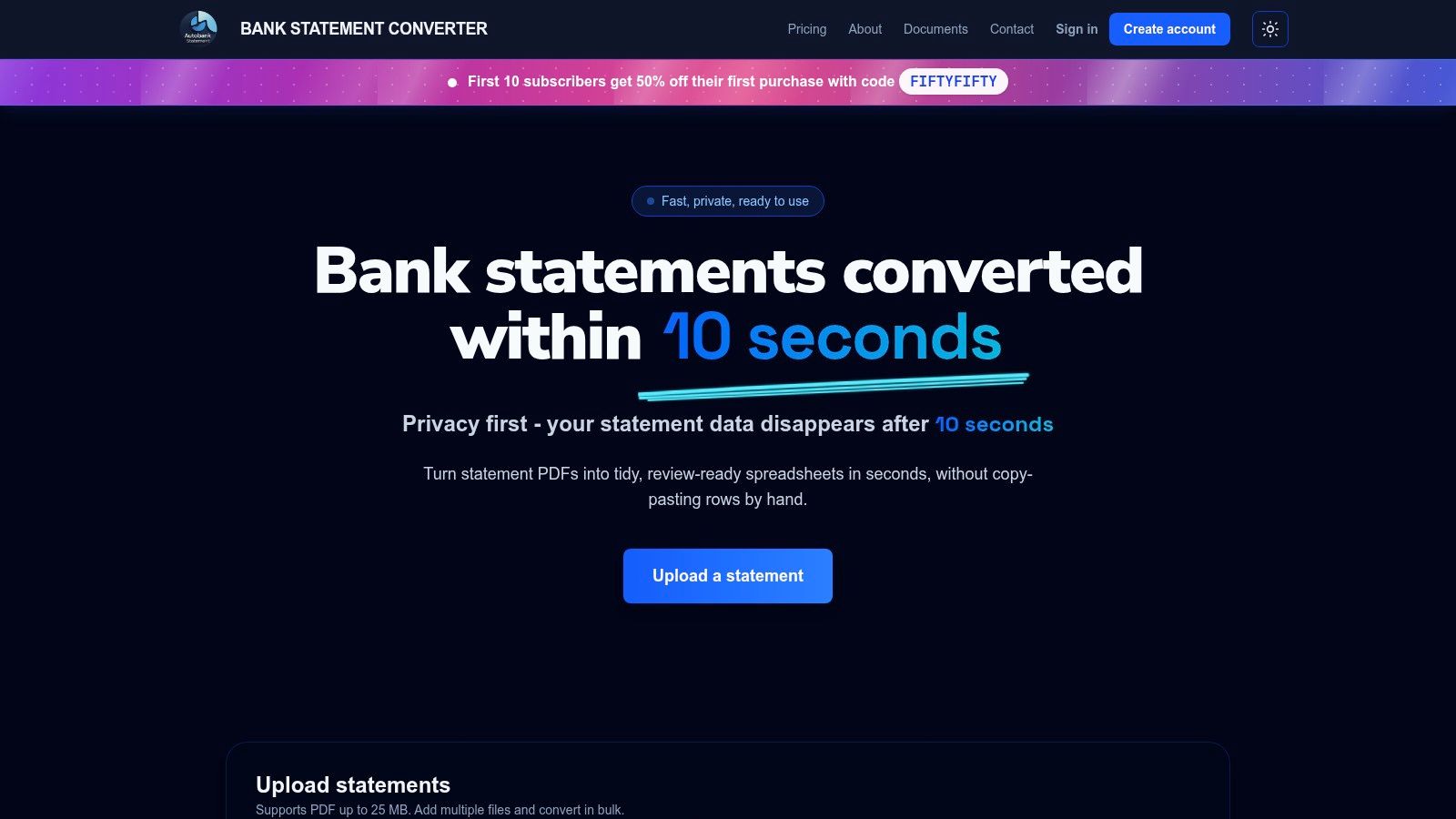
Before downloading, we use the browser preview to scan the converted table and make quick edits where something looks plainly off. This is the cheapest moment to fix a misread date or an obvious formatting issue, because the source layout is still fresh in mind and the file hasn't yet entered our working papers. Then we download the clean CSV or Excel file with balances preserved, ready for the validation routine rather than ready for blind posting.
Access and Plan Fit
We can start with a free guest preview before payment, which lets us test a real statement layout before committing to a plan. Registered users get 24-hour download access, which suits a normal close rhythm where files are converted, checked, and filed the same day. For recurring volume, the plans are Starter at $15 per month for 400 pages, Professional at $30 per month for 1,000 pages, and Business at $50 per month for 4,000 pages, with annual discounts and custom enterprise limits for larger needs.
Temporary files shouldn't become permanent exposure. Uploads auto-delete within 24 hours, so conversion copies don't linger after we've taken the validated output into our own records.
That deletion window fits how we already think about sensitive documents. The converter holds a working copy only long enough for us to convert and download. The durable record lives in our own filing system, under our own retention rules. Keeping those two things separate is what makes bulk automation calm rather than risky. We get the speed of one session for many statements, and we keep control over what happens to the files afterward.
Validate Every Converted File Before You Trust It
A converted spreadsheet is a review aid, not proof by itself. We treat every output as untrusted until it passes a short, repeatable check, because the check is what replaces double entry without doubling the work. A reviewer doesn't retype the statement. The reviewer proves the statement's own math survived conversion, then looks only where the evidence points.
The anchor check is the balance roll-forward. We compare the extracted opening balance and closing balance against the source statement, then verify that opening balance + credits − debits = closing balance, consistent with IRS guidance on organizing tax records and supporting documents. If that equation holds to the cent, most amount-level errors are unlikely to be hiding in the file. If it doesn't hold, we don't post and hope. We investigate while the statement is still in front of us.
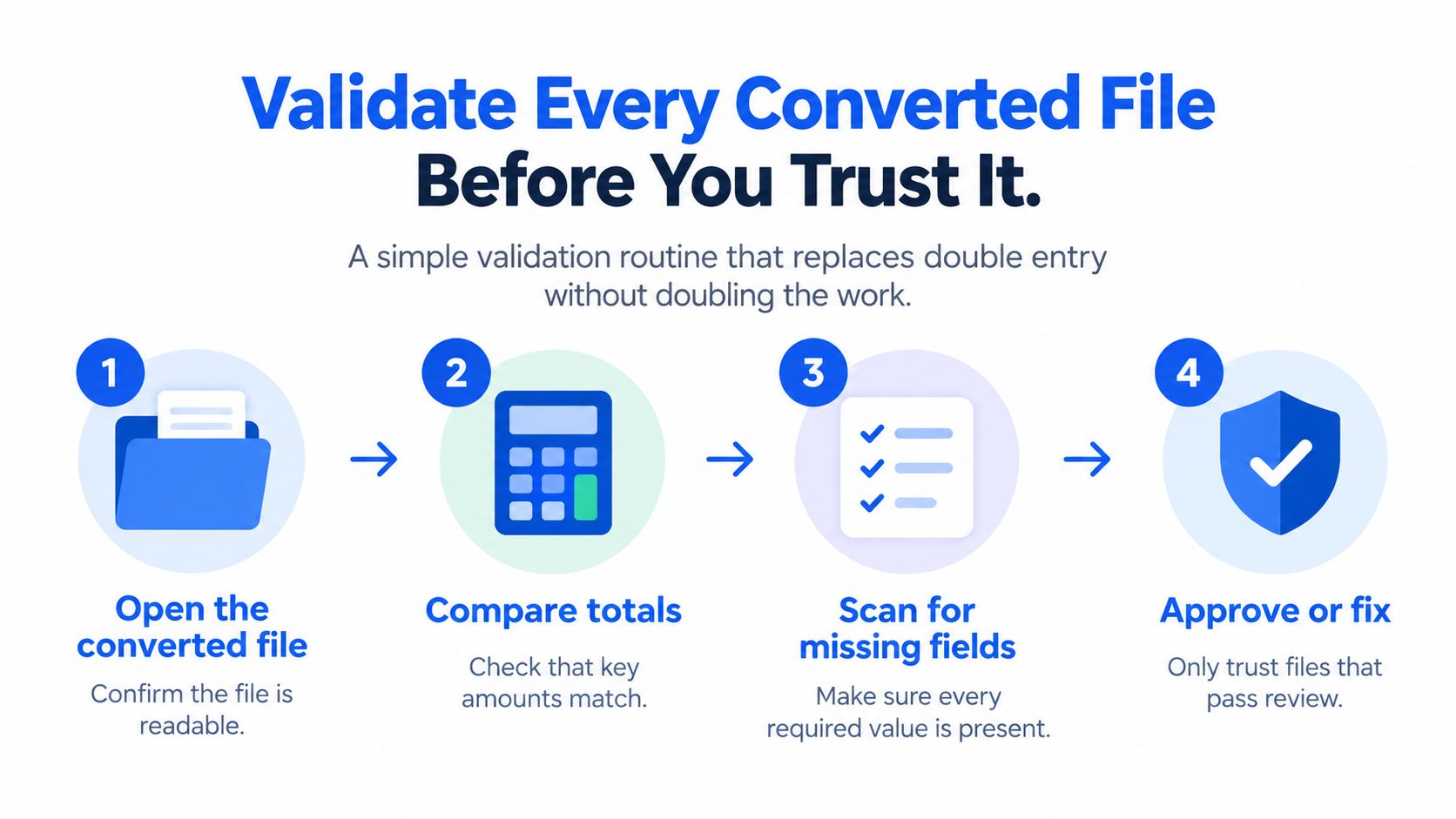
A mismatch tells us something specific is wrong, even before we know exactly what. It can signal an OCR error in an amount, an omitted transaction, a duplicated row, a sign reversal where a debit landed as a credit, or a balance carried incorrectly into the spreadsheet. The size of the difference often hints at the cause. A difference equal to one transaction suggests an omission or duplication, while a difference that's double a transaction amount points toward a sign problem.
Supporting Checks That Take Minutes
Beyond the roll-forward, we run a few fast scans that catch what totals can't. Duplicate detection looks for identical date, description, and amount combinations that appear more often than the source supports. Date validation flags transactions outside the statement period or in an implausible order. Currency consistency matters when a client holds accounts in more than one currency, because a correct amount in the wrong currency column is still a wrong entry. These are spreadsheet-level checks, which is why a clean export from a PDF to Excel file converter workflow matters. Structured rows let us sort, filter, and test instead of eyeballing a PDF.
- Duplicate rows: Sort by date and amount, then inspect repeats against the source.
- Implausible dates: Flag anything outside the statement period or with day and month swapped.
- Low-confidence fields: Send uncertain amounts or dates to a reviewer instead of letting them pass unchecked.
Triage keeps this routine fast. Routine rows in a statement that balances can move forward, while mathematically inconsistent statements and uncertain fields route to a human reviewer with the source PDF open. The original PDF remains the authoritative document for resolving every discrepancy. We never edit the spreadsheet to force a balance. We find the row that's wrong, correct it from the source, and rerun the equation until the file proves itself.
Keep Records for Years and Uploads for Hours
Two duties pull in opposite directions, and both are legitimate. Tax recordkeeping asks us to keep evidence for years. Security practice asks us to delete temporary copies quickly. Confusing the two causes trouble in both directions. Teams that delete everything lose substantiation, and teams that keep every working copy accumulate sensitive files nobody needs.
On the recordkeeping side, the IRS identifies bank statements, canceled checks, receipts, and invoices as documents that can support income, expenses, deductions, and credits, and notes that most federal tax records should be retained for at least three years after filing, per IRS advice on giving tax records a mid-year tune-up. Electronic records are acceptable, so the original statement PDF plus the validated CSV or XLSX makes a tidy electronic record. We keep the PDF because it's the source document. We keep the spreadsheet because it's searchable and shows the data we posted.
On the security side, the FTC advises businesses to keep sensitive information only as long as there's a business reason and to dispose of it so it can't be read or reconstructed, as set out in the FTC guide to protecting personal information. Uploaded conversion copies have no business reason to exist after download, which is why automatic deletion within 24 hours fits the workflow. Questions about source availability later, including how long banks keep records, are separate from converter retention and shouldn't be confused with it.
A Filing Habit That Holds Up
We archive the source statement and the validated export together, named by account and period, so a reviewer a year later can pair them without detective work. Firms handling several clients keep client folders separate, because one client's statements should never sit in another client's working directory. We also note which statements failed validation and were re-run, with the corrected file replacing the failed one. A short note in the close file saves a long explanation during an inquiry.
Two-tier rule: The accounting record is kept for years under tax rules. The temporary upload is kept for hours under data-minimization rules. Never let one policy do the other's job.
Your Next Month-End Close Without the Typing
A calmer close follows a steady rhythm. We collect statement PDFs as they arrive instead of chasing them on deadline day. We run one bulk conversion session for the period. We apply the balance roll-forward to every file, post the rows from statements that prove out, escalate only the exceptions, and archive each source PDF beside its validated export. Nothing in that rhythm is exotic. Its value is that every statement passes through the same gates in the same order.
Contrast the two versions of the same close. In the manual version, hours go into line-by-line keying, and even careful work carries the error floor we discussed at the start, with investigation time waiting at reconciliation. In the automated version, conversion takes minutes and human attention concentrates on a short validation pass and a small exception queue. The deadline pressure doesn't vanish, but it stops being spent on copying numbers that a machine reads more patiently than we do at hour six.
Where to Start This Month
We don't need to rebuild the whole close at once. We pick one account with clean native PDFs and run it through the new workflow end to end, timing conversion and review separately. That gives us our first real review-minutes figure, which feeds the batch-sizing math for the rest of the accounts. Next month, we add scanned statements and measure again. Capacity planning built on our own files beats any generic promise, including ours.
- Week of close: Convert and validate, post clean statements, log exceptions.
- After posting: Archive source and export pairs, note re-runs.
- Before next close: Update review-time averages by input type.
The core insight is worth restating plainly. Maximum data entry means maximum validated throughput, not maximum keystrokes. Speed without proof just moves errors downstream where they cost more. Proof without automation keeps skilled people doing copy work. The combination, automated intake plus a disciplined balance check, is what lets a small team close more accounts without lowering the standard each entry has to meet.
Our concrete next step is simple. We take one real bank statement from the current close, run it through the free guest preview, run the roll-forward check on the output, and time the whole thing against our manual method for the same statement. Then we let the measured difference decide. If the numbers favor automation, and on clean statements they usually will, the workflow has earned its place in next month's close.
Put the error-first approach to work on a real statement this close. With autobankstatement, we can convert a digital, scanned, or password-protected PDF bank statement into CSV or Excel, preview the result for free before paying, and run the balance roll-forward check in minutes. Visit today, test one statement from your current close, and compare the validated result against the hours manual typing would have taken.
Convert your next statement in minutes
Upload a bank statement PDF — digital, scanned, or password-protected — preview the extracted table, and download clean CSV or Excel.